
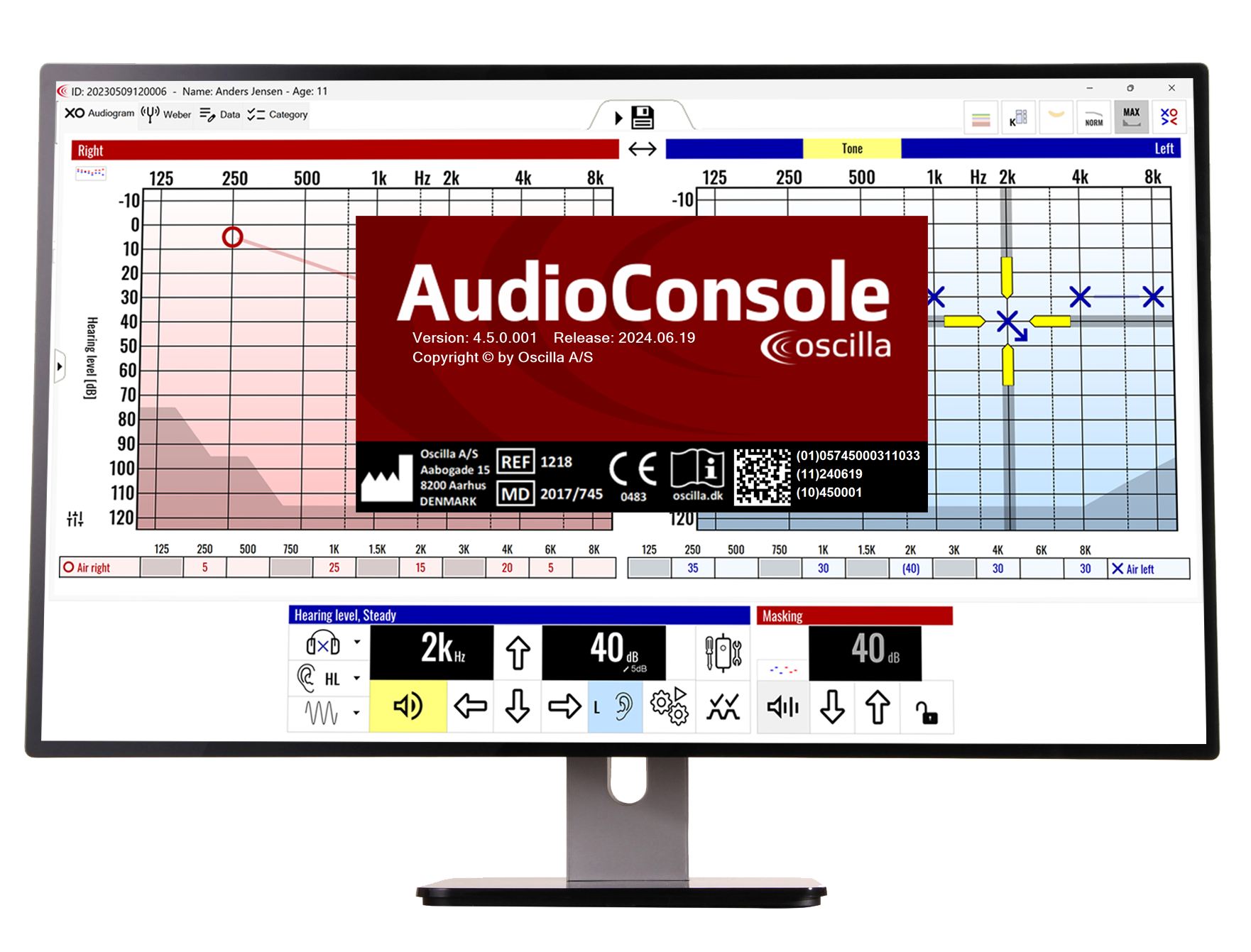
Oscilla AudioConsole PC software
Software overview
AudioConsole is a complete software solution for PC-based audiometry, tympanometry and patient data management. With an intuitive user interface and a wide range of testing capabilities, AudioConsole helps hearing professionals optimise their workflows and dedicate more time to their patients.
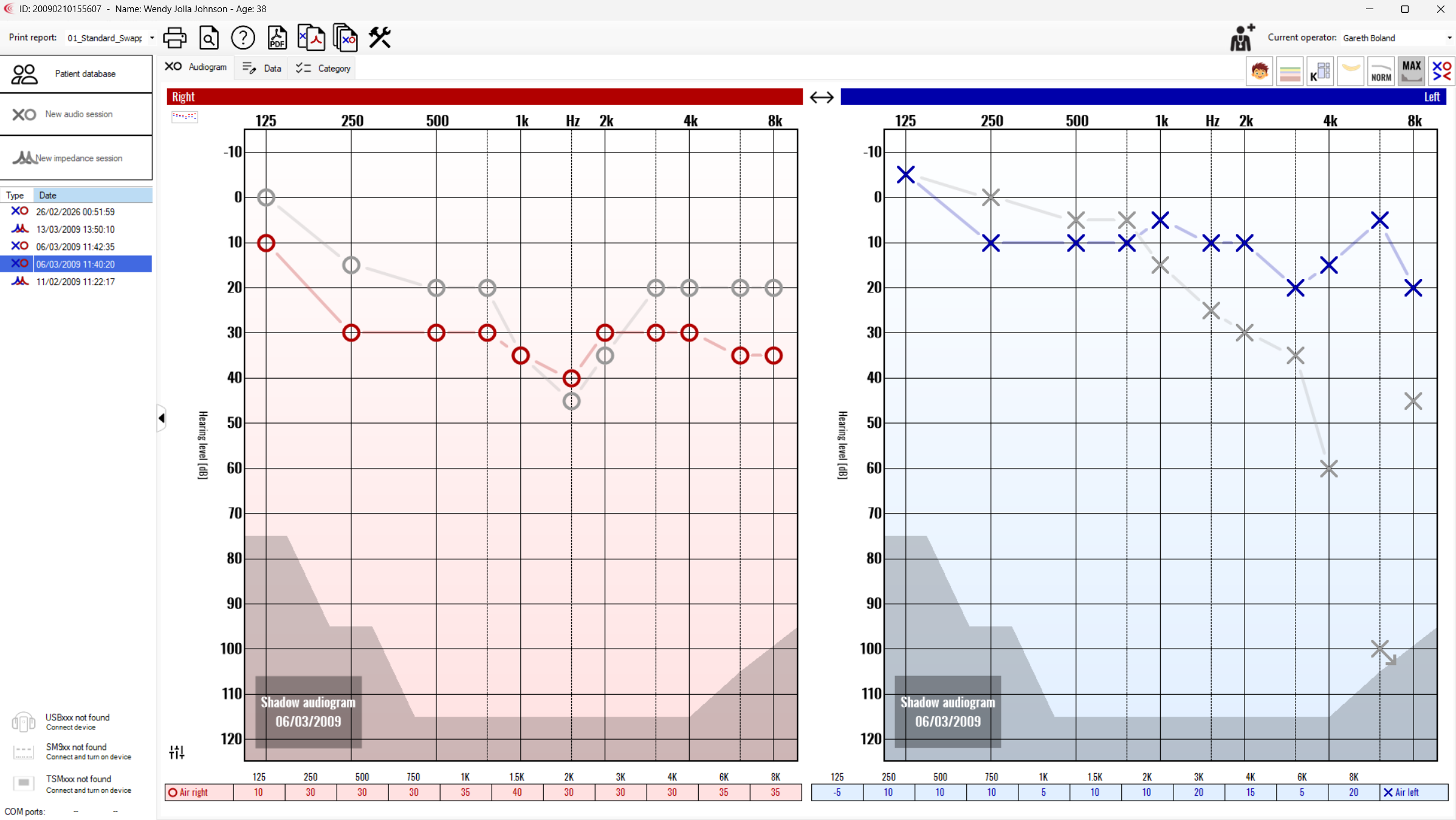
Optimize workflows
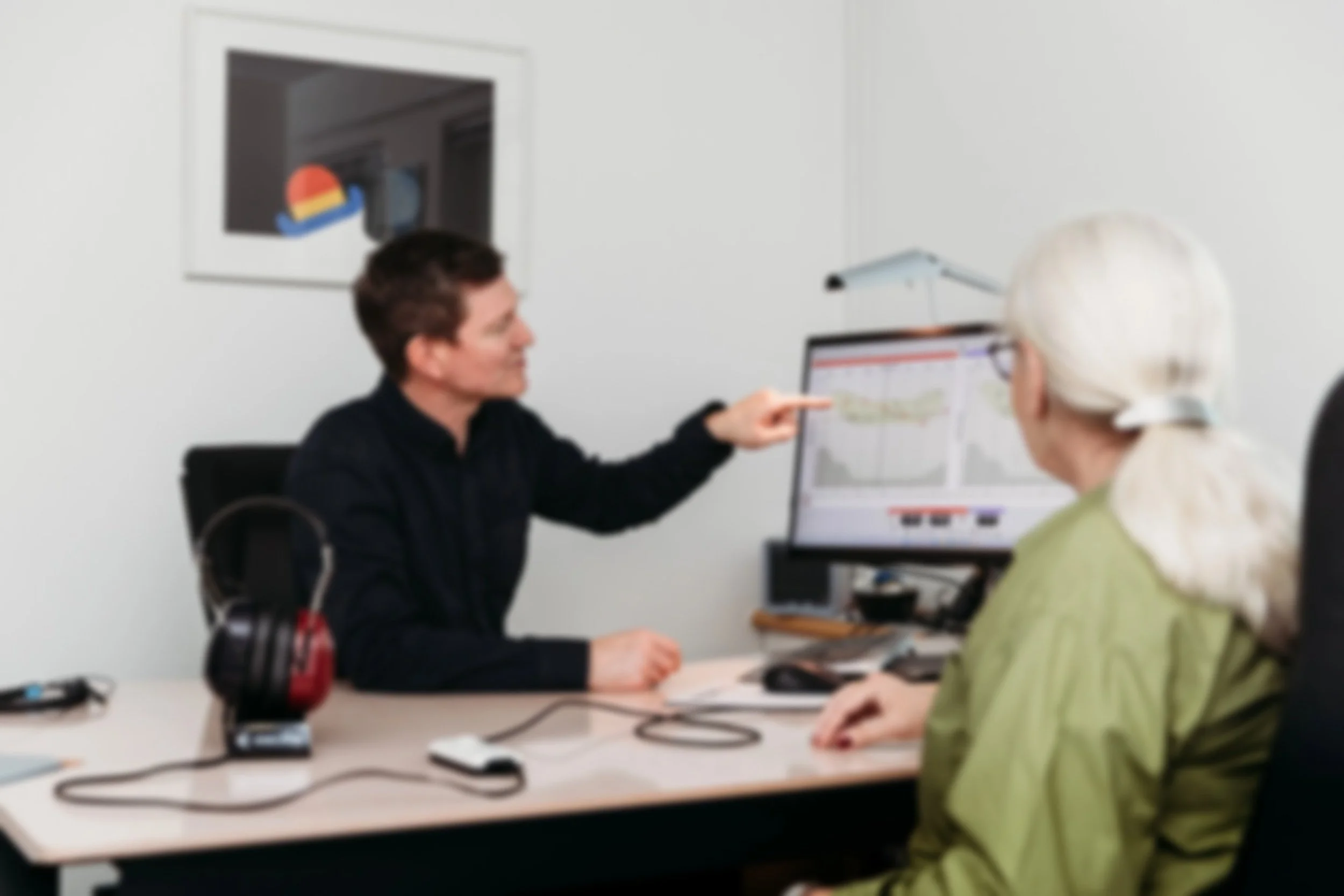
AudioConsole helps the user optimize workflows. Audiograms are updated in real-time on the screen during the test. Each test session can be stored in the database under the patient’s profile. This makes it easy for the operator to gain an overview of the patient’s history. Stored data can also be used to customize PDF-reports.
AudioConsole can interface with other patient management systems for export of audiograms.

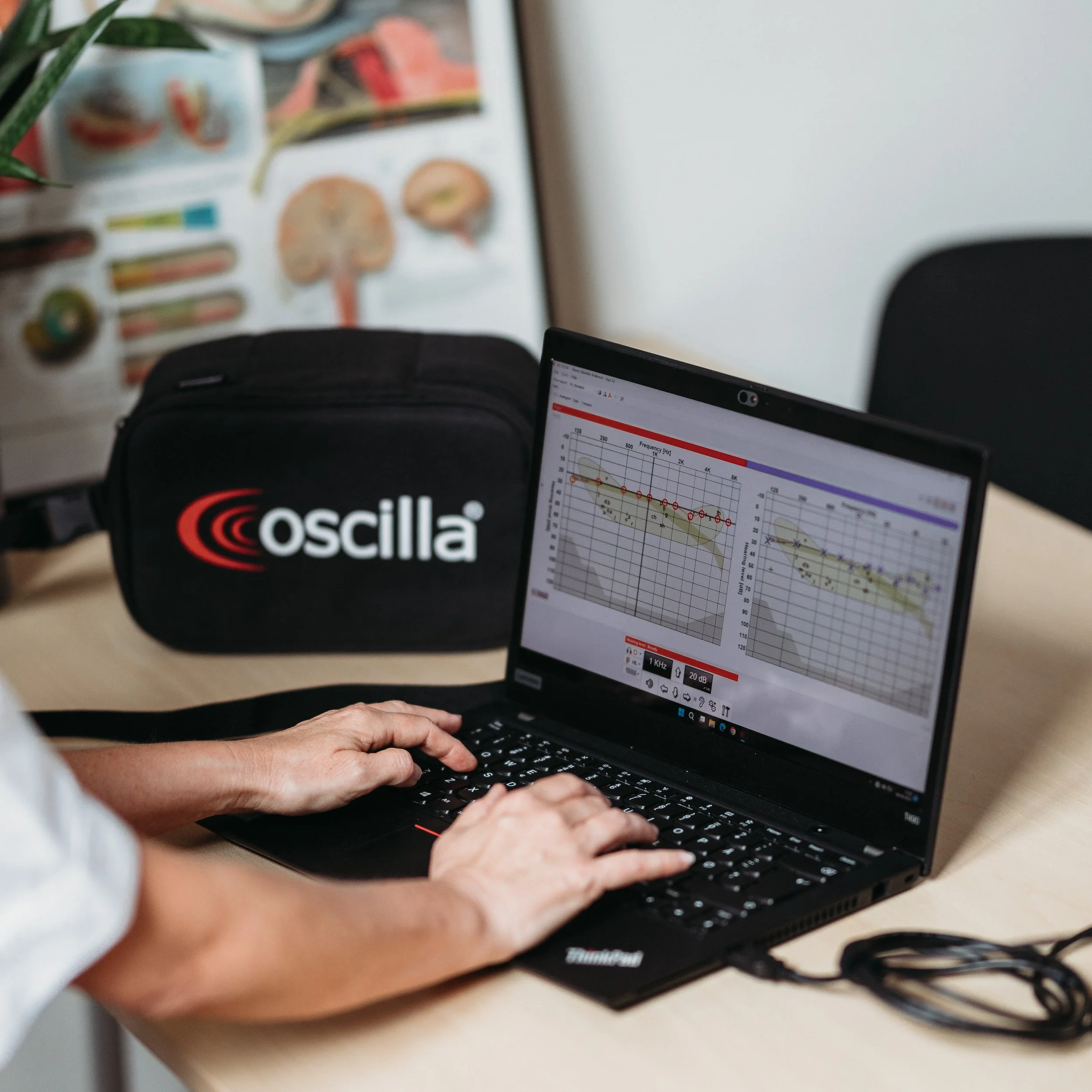
Conduct pure-tone and speech tests conveniently in front of your PC
Watch audiograms update in real-time on your screen
Store as many tests as needed in the patient database
Create patient profiles with relevant personal data and notes
Create operator profiles with user info and personal signatures
Customize test settings according to preferences
The Benefits
Customize test settings (select/deselect frequencies, choose dB start level)
Customize PDF reports by adding your company logo, signatures
Customize report layouts
Integration with Noah, Civica and other patient management systems
Import/export data in XML
Available in a variety of languages
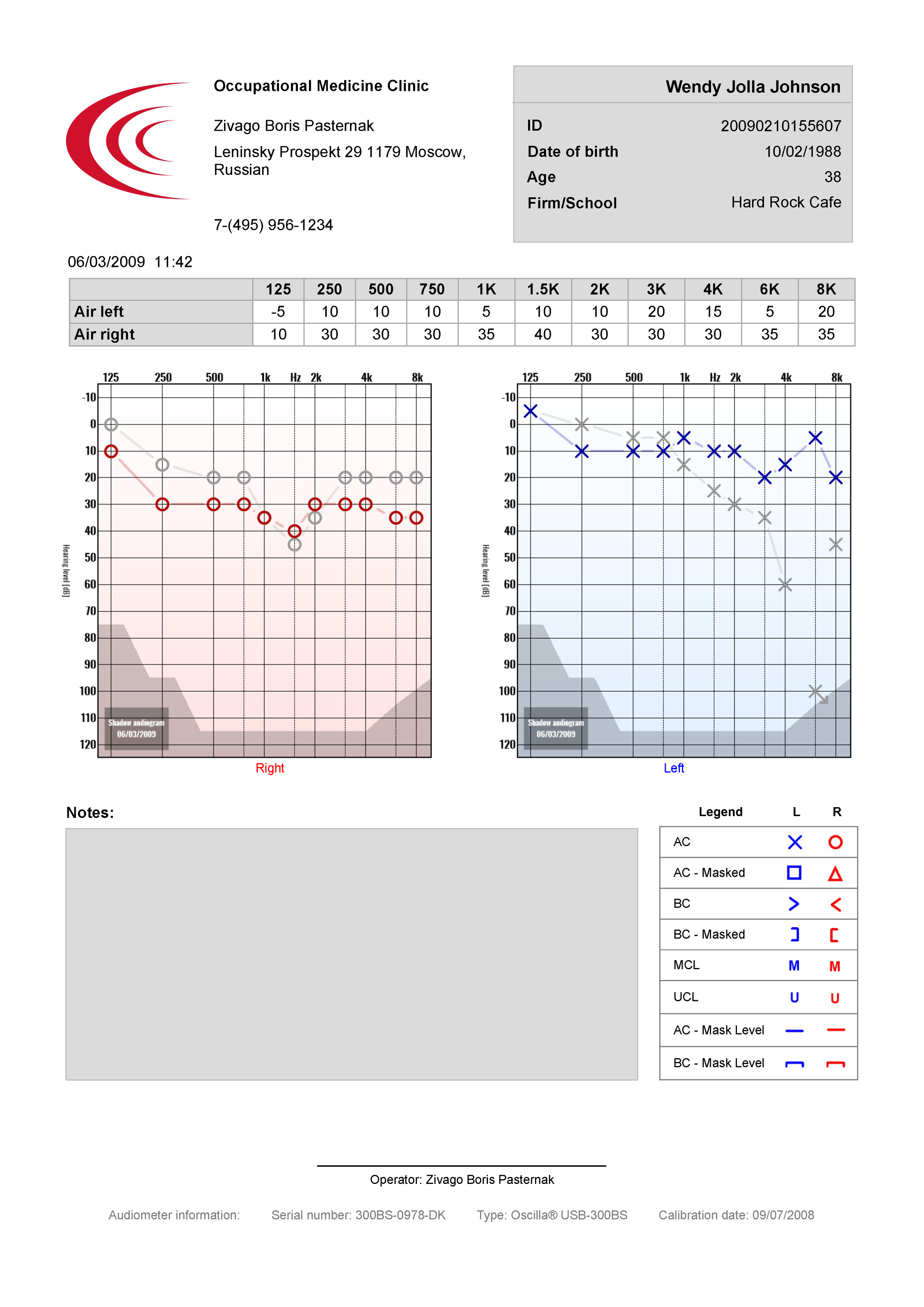
Software Overview
Conducting automatic tests in AudioConsole
Conducting a manual Pure Tone test in AudioConsole